



Spinsahara Gaming App
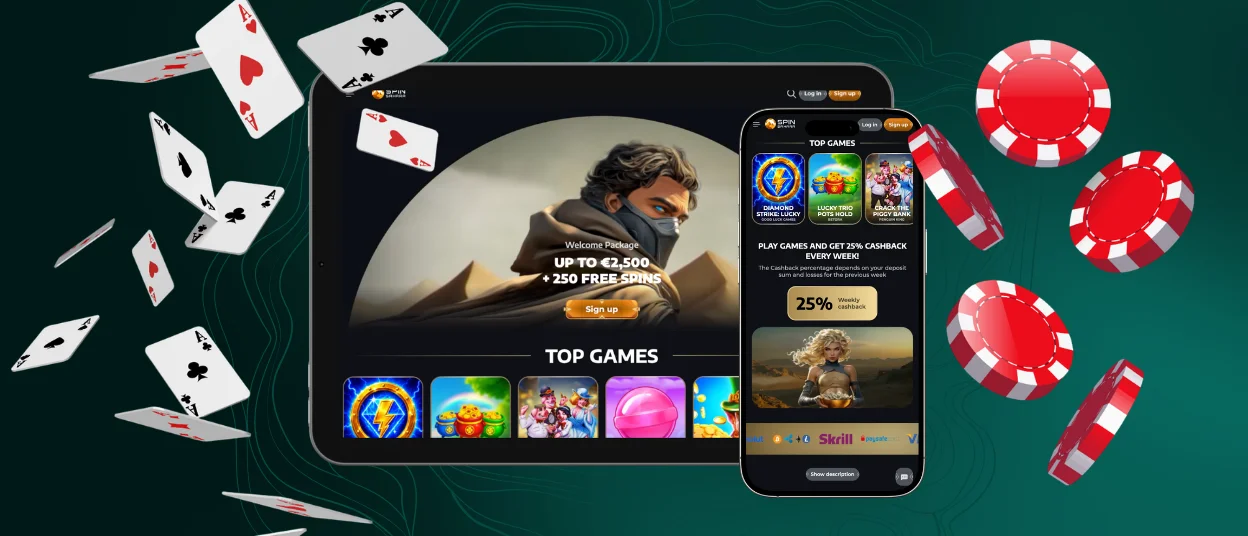
The Spinsahara app offers a fully optimized mobile gaming experience. It provides convenient access to our entire portfolio of games, promotions, and account features from any device. The software adapts to any screen size and runs smoothly on all devices. All casino features work the same way as in a browser or on a PC. Spinsahara supports instant loading and 24/7 access to all content in its app.



Spinsahara with the Mobile App
The Spinsahara mobile app is designed to improve all aspects of the gaming experience with an optimized touch interface. Its main advantage is mobility: you can manage your casino account anywhere with quick access. The software features an intuitive interface and instant push notifications. Although the PC version has a larger display, both platforms offer identical functionality. Players can enjoy all the benefits of Spinsahara on any device.
| Feature | Spinsahara Mobile App | Spinsahara PC Version |
| Portability | Full access anywhere | Requires a fixed location |
| Interface Design | Touch-optimized, gesture-based navigation | Wide-screen layout with mouse/keyboard control |
| Notifications | Instant push alerts for bonuses and events | Notifications require browser or email checks |
| User Experience | Fast access via app icon, streamlined menus | Multi-window navigation with broader display |
| Convenience | Ideal for quick sessions and on-the-go play | Best for extended gameplay on a large screen |
Spinsahara Casino Android App
The Spinsahara Casino app for Android gives you quick access to all games and features on any device. It works instantly, loads quickly, and requires no complicated setup. You get the mobile casino experience right from your home screen. Below, we’ll tell you about our software and how to download it.
APK
You don’t have to download an APK file to install Spinsahara Casino. There’s no need to search for the app in the Play Store and download an APK file. The app works without any manual downloads on Android.
PWA
The Spinsahara app for Android is a modern progressive web app (PWA). It does not require long downloads or complicated installations. You download the PWA directly from our website. To install it:
- Scroll down the Spinsahara website on your Android device to the “Casino App” button.
- Click on it, select “Install,” and the app will appear on your home screen and in your app drawer.
- It launches with a single tap and runs quickly.

Spinsahara Casino iOS App
The Spin Sahara Casino app for iOS is optimized for Apple devices. The casino works in the Safari browser. You don’t have to go to the App Store or download any files. The iOS software works as a native shortcut with quick access from the home screen. It loads quickly and supports push notifications. After installation, you can play games, manage your account, receive bonuses, and use any other features of our casino.
How to install on iOS
- Open the Spinsahara website in Safari.
- Tap the “Share” icon at the bottom.
- Select “Add to Home Screen.”
- Confirm by tapping “Add” in the upper right corner.
The Spinsahara icon will appear on your home screen and be ready to launch. If you need help with installation or have other questions, our support team is available via live chat or email.
Get Your Windows and macOS Applications
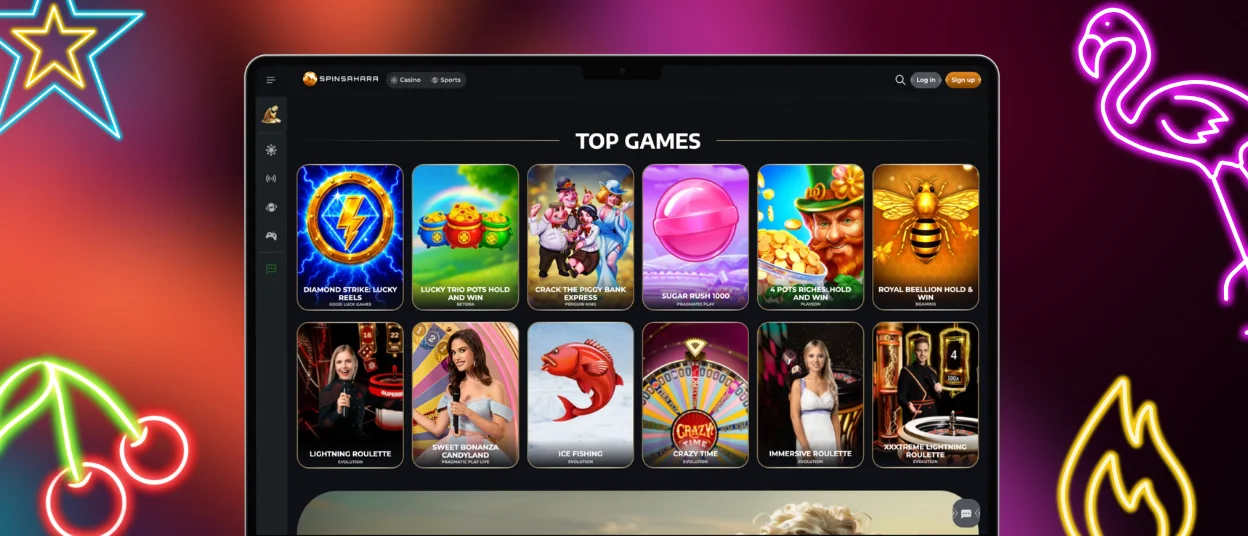
You can launch Spin Sahara Casino on your desktop via our lightweight web apps for Windows and macOS. No installation, download, or complicated setup is required. Everything works in your browser, but once installed on your desktop, the software opens in a separate window and behaves like a regular program. Here, players have access to all games, bonuses, and account tools with a single click.
Installing the Windows and macOS web app on your PC’s home screen is easy. Go to the Spinsahara website and create a desktop shortcut via the browser menu. This shortcut will become your Spin Sahara web application. The interface for both Windows and macOS adapts to the screen size. You can use a laptop or a desktop computer. All features will be available to you on any device, for example, account settings, responsible gaming tools, and the verification process.
FAQ
Does the Spin Sahara Casino App offer Customer Support?
Yes, the Spinsahara app has an all-round customer support service. Our team is always ready to assist players through online chat or email. Our support team is available 24/7 and speaks multiple languages. Our experts can help you with questions related to account management, payments, game rules, promotions and others.
Is Creating an Account Required to Use the Spin Sahara App?
Yes, you need to have an account to use the Spinsahara app. All casino options such as games, bonuses, deposits and withdrawals are available only for registered users. Our features are available only to registered users, in the browser and in the app.
Are All Games Available in the App?
Yes, the Spinsahara app has the full catalog of games. In the app, players can play online slots, table games, live dealer casino games and instant win games. All games that you find on the browser version are fully mobile optimized. All games in the app are streamed in high quality and without any delay.
How Can I Update the Spinsahara Casino App?
There is no need to manually update the Spinsahara app. The updates are automatic, through the progressive web app system. Bug fixes, new features and improvements are done automatically. Players can access the latest version of our PWA without any manual download or installation.


